Copy selected cookies from the active tab to localhost targets.
Developer browser extension
local-session-sync.artinski.dev
Local Session Sync
Copy authenticated browser sessions from remote environments to localhost. Built for frontend developers who need local apps to work against remote authenticated environments without repeating login flows all day.
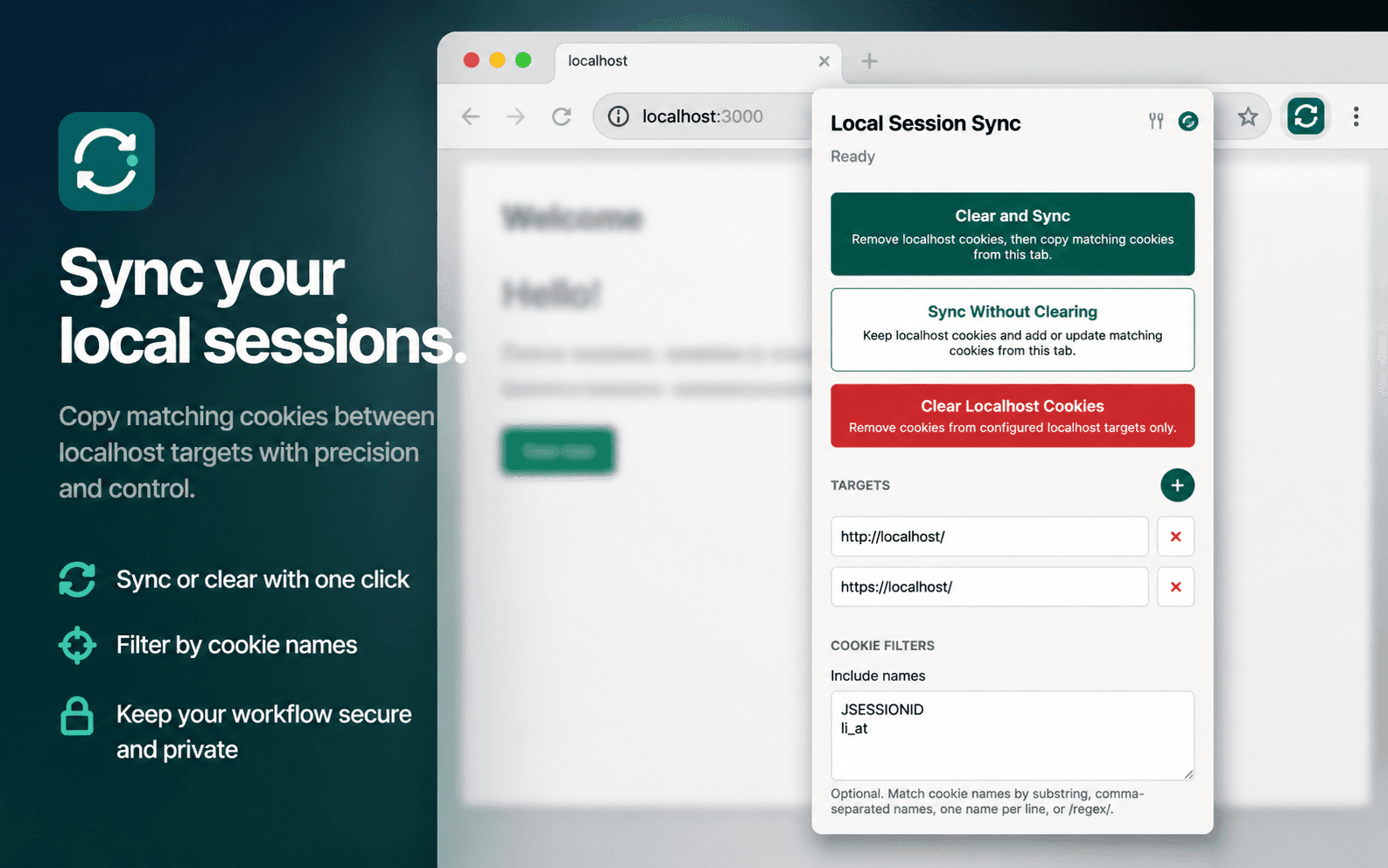
Use case
Built for local frontend work with remote auth.
A browser extension for developers who run a local frontend while auth, backend or identity systems live on dev, stage, UAT or production-like environments.
Clear stale localhost cookies before syncing when switching environments.
Configure localhost ports, include filters and exclude filters.
Request source-site access only when the extension is used.
Keep all cookie handling local in the browser with no backend or analytics.
Workflow
Sync only when you ask it to.
- 01Open an authenticated remote environment.
- 02Run Local Session Sync from the extension popup or action menu.
- 03Copy selected cookies to one or more localhost targets.
- 04Refresh the local app and continue testing against the remote backend.
Install
Published on browser extension stores.
- 01Open the listing for your browser in the Chrome Web Store or Mozilla Add-ons.
- 02Choose Add to Chrome or Add to Firefox.
- 03Pin Local Session Sync for quick access from authenticated remote tabs.
- 04Use the packaged zip only when you need a local development install.
Privacy and limits
Cookie handling stays inside the browser.
Local Session Sync has no backend, analytics, advertising or external data sharing. It reads cookies from the active tab only after the developer invokes it and grants access when required.
cookies
Reads source cookies and writes matching cookies to configured localhost targets.
activeTab
Identifies the tab the developer intentionally runs the extension from.
contextMenus
Adds quick actions for copying or replacing localhost session cookies.
storage
Stores localhost targets, filters and last-run status locally in the browser.
The extension does not bypass authentication or authorization checks.
Server-side session validation, token audience rules and SameSite behavior still apply.
Partitioned cookies are skipped because their top-level-site partition cannot be safely reused for localhost.